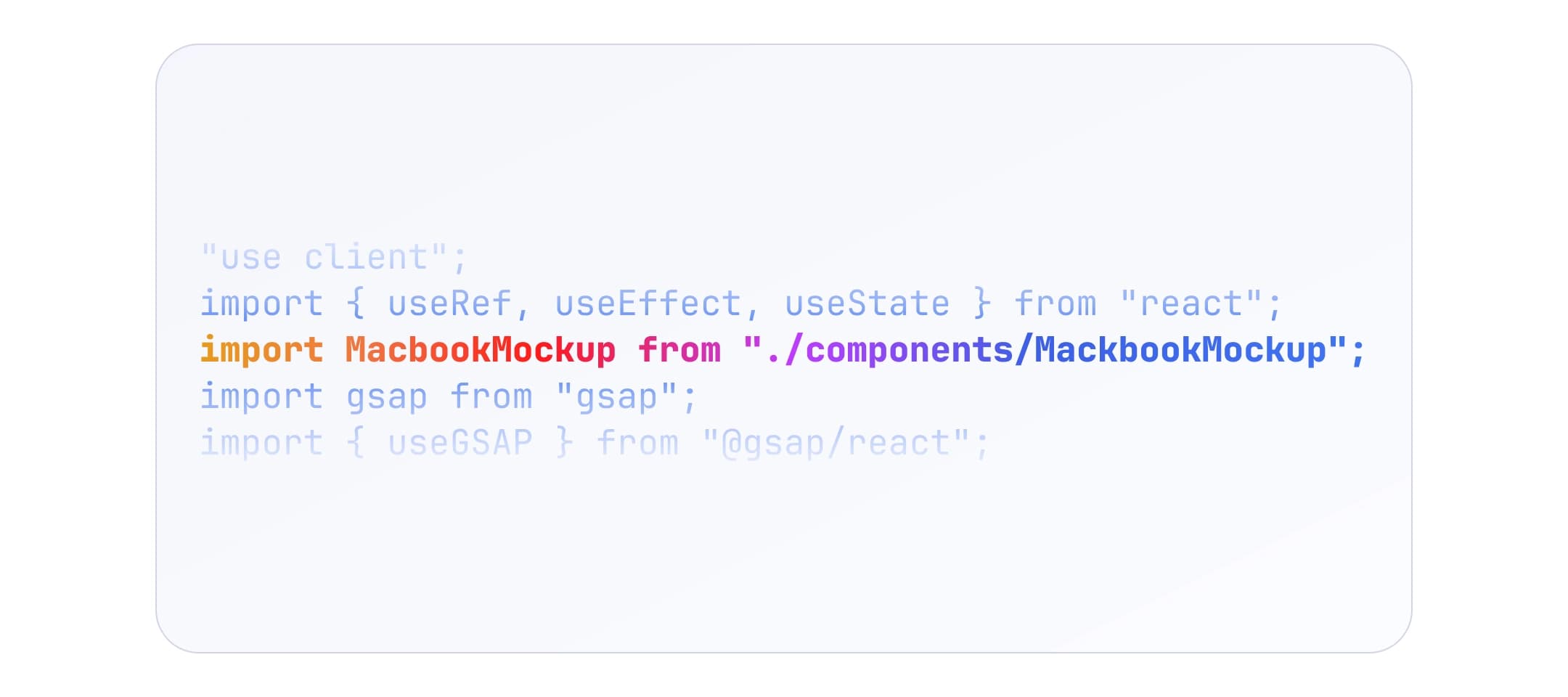
Import MacbookMockup from svg-mockup-kit and compose like any other React component.
After you run npm install svg-mockup-kit, import the components you need and nest your UI as children:
import { MacbookMockup } from "svg-mockup-kit";
Use mockups anywhere in the tree: marketing pages, dashboards, Storybook stories, etc. You can show a static image, a live iframe, scroll-driven content, or anything else React can render inside the screen region. Layout and behavior are up to you.
These mockups use the SVG <foreignObject> element so DOM content can appear inside the device screen. Behavior follows browser support for foreignObject, not ordinary divs.
For example, some animations inside foreignObject break in Safari.
In Safari, combining foreignObject with certain CSS can cause glitches, including (not an exhaustive list):
position-webkit-transform-style-webkit-backface-visibilitytransitiontransformcalc (results may not match expectations)opacityThis is a known class of issues, not unique to this package — see for example this Stack Overflow answer.
Mitigations: test in the browsers you care about, simplify or avoid problematic properties inside the screen, or gate animations by user agent / feature detection. If you find reliable workarounds, sharing them helps everyone.
You are set up to use svg-mockup-kit from npm. For a minimal end-to-end example, read Hello World. For className / style on the root SVG, read Customization.